UPP 03 / Time and expenses
Weekly work hours and meal break log
Record work segments and actual meal breaks with full dates, time-zone context, and a clear trail for payroll review.
3-page fillable PDF + protected Excel · Version 1.1 · Updated November 8, 2026 · No sign-up
A clear starting point.
- Made for
- Crew, department leads, and time reviewers
- When to use it
- Collecting a week of work records for review or reconciling a missing time entry.
What is included
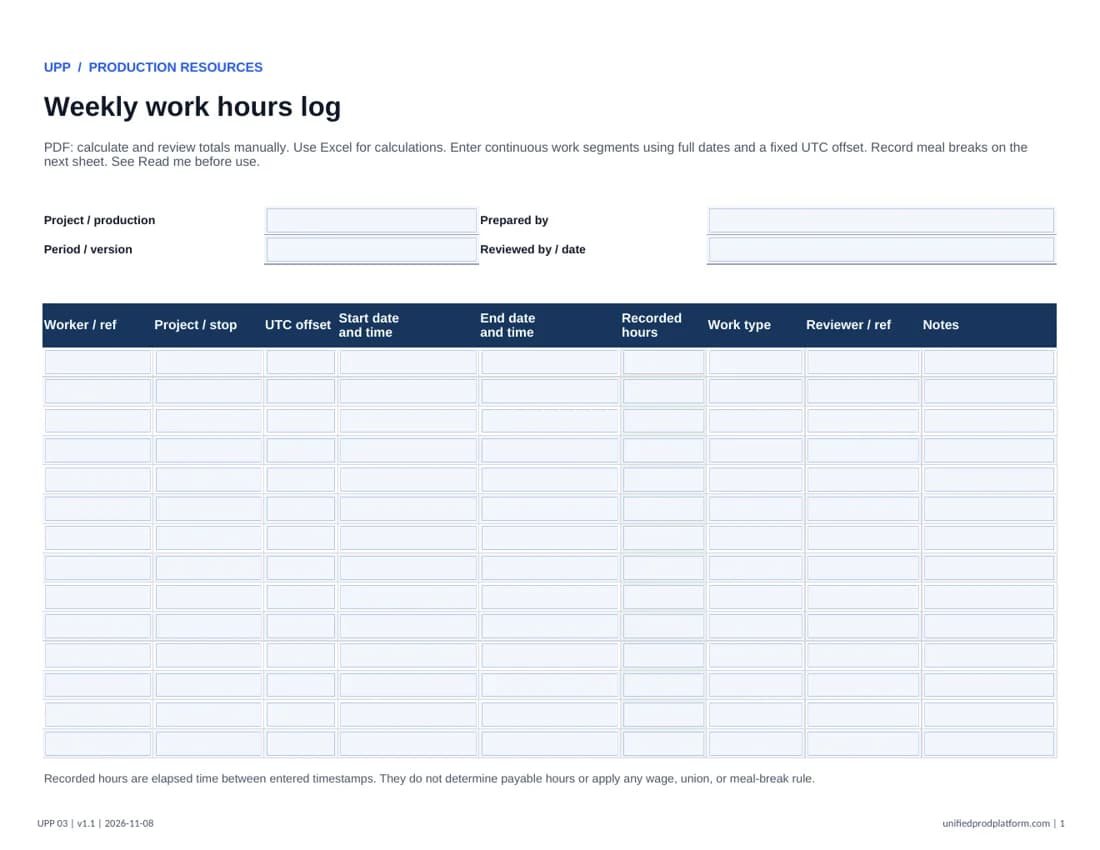
- Work log with elapsed-hour formulas
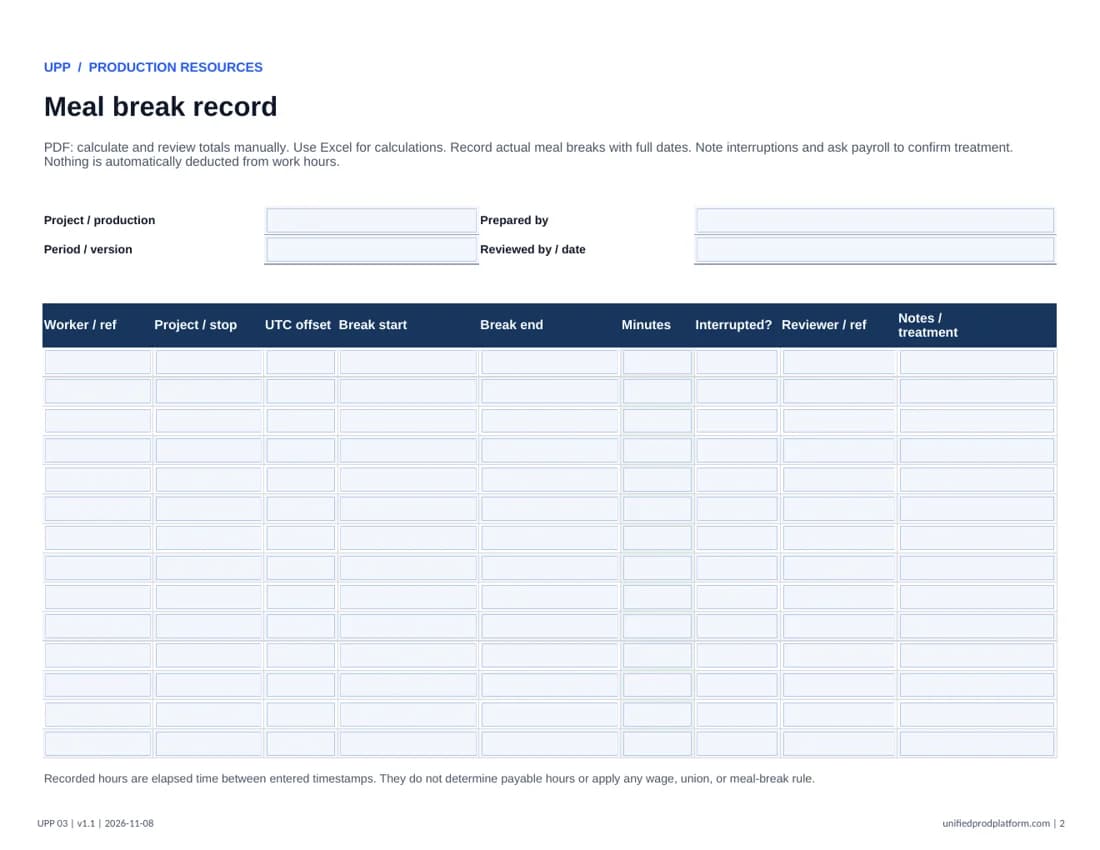
- Separate meal break record
- Review notes and time-zone fields
How to use this template
Fill the PDF fields, save a copy, and reopen it to confirm your entries before printing or sharing. Use a desktop PDF reader if your browser does not save fields correctly. Use a referenced attachment when more space or additional terms are needed. Excel entry cells are unlocked; formulas, labels, and sheet structure are protected. Excel calculates totals; the PDF requires manual calculation and review. Start another copy when all rows are used.
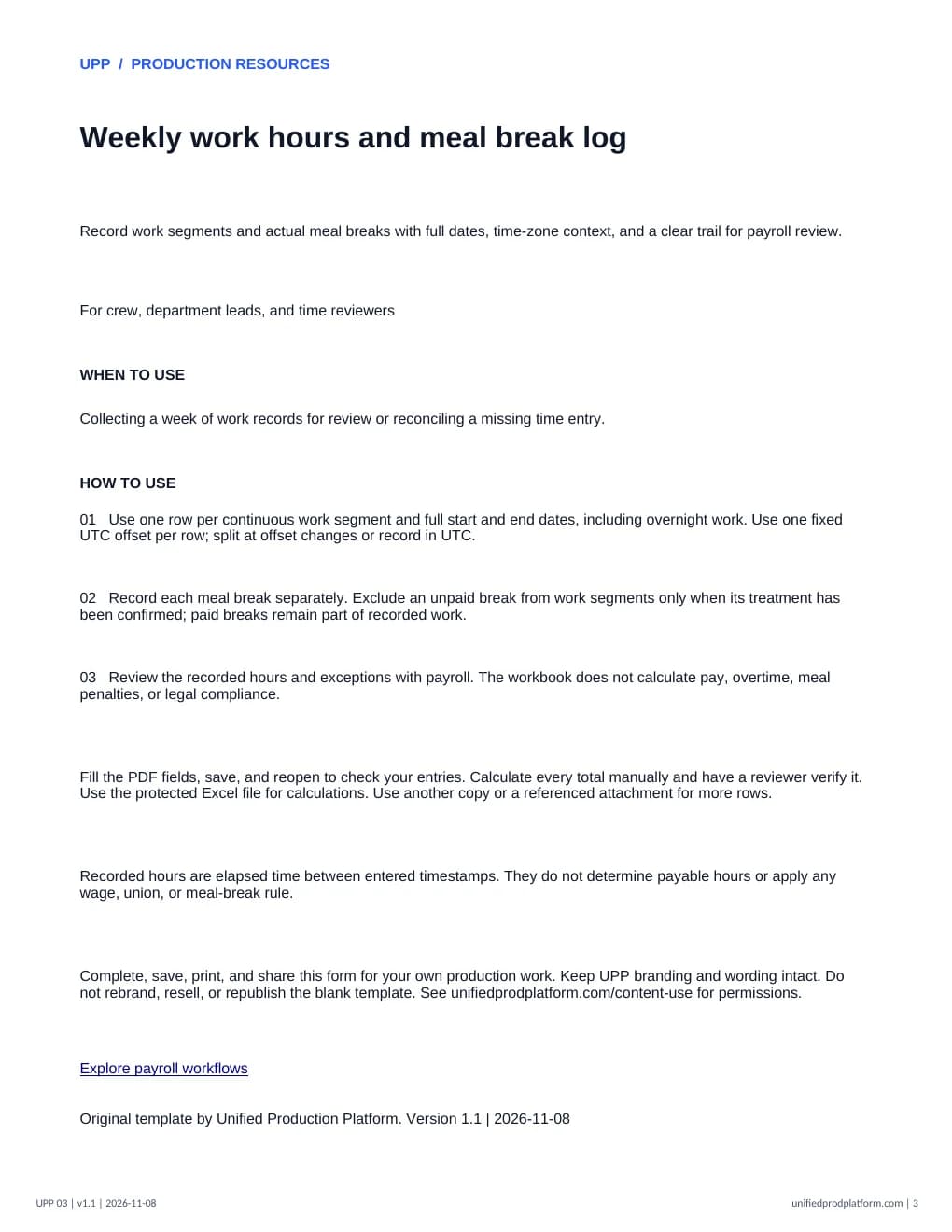
- 01Use one row per continuous work segment and full start and end dates, including overnight work. Use one fixed UTC offset per row; split at offset changes or record in UTC.
- 02Record each meal break separately. Exclude an unpaid break from work segments only when its treatment has been confirmed; paid breaks remain part of recorded work.
- 03Review the recorded hours and exceptions with payroll. The workbook does not calculate pay, overtime, meal penalties, or legal compliance.
Recorded hours are elapsed time between entered timestamps. They do not determine payable hours or apply any wage, union, or meal-break rule.
Complete and share this original UPP form for your production work. Keep UPP wording and branding intact. Check the requirements for your project before use. Content use permissions.
Explore payroll workflowsPairs well with
Mileage and expense logInside the template
Open full PDF in a new tab