Business affairs
Keep agreements and use together
Follow agreed terms, talent, residual obligations, and usage from the commercial record.
Commercial Talent
Prepare talent estimates, send offers, review session reports, and follow payroll and residual obligations against the same commercial record.
Book a tailored walkthrough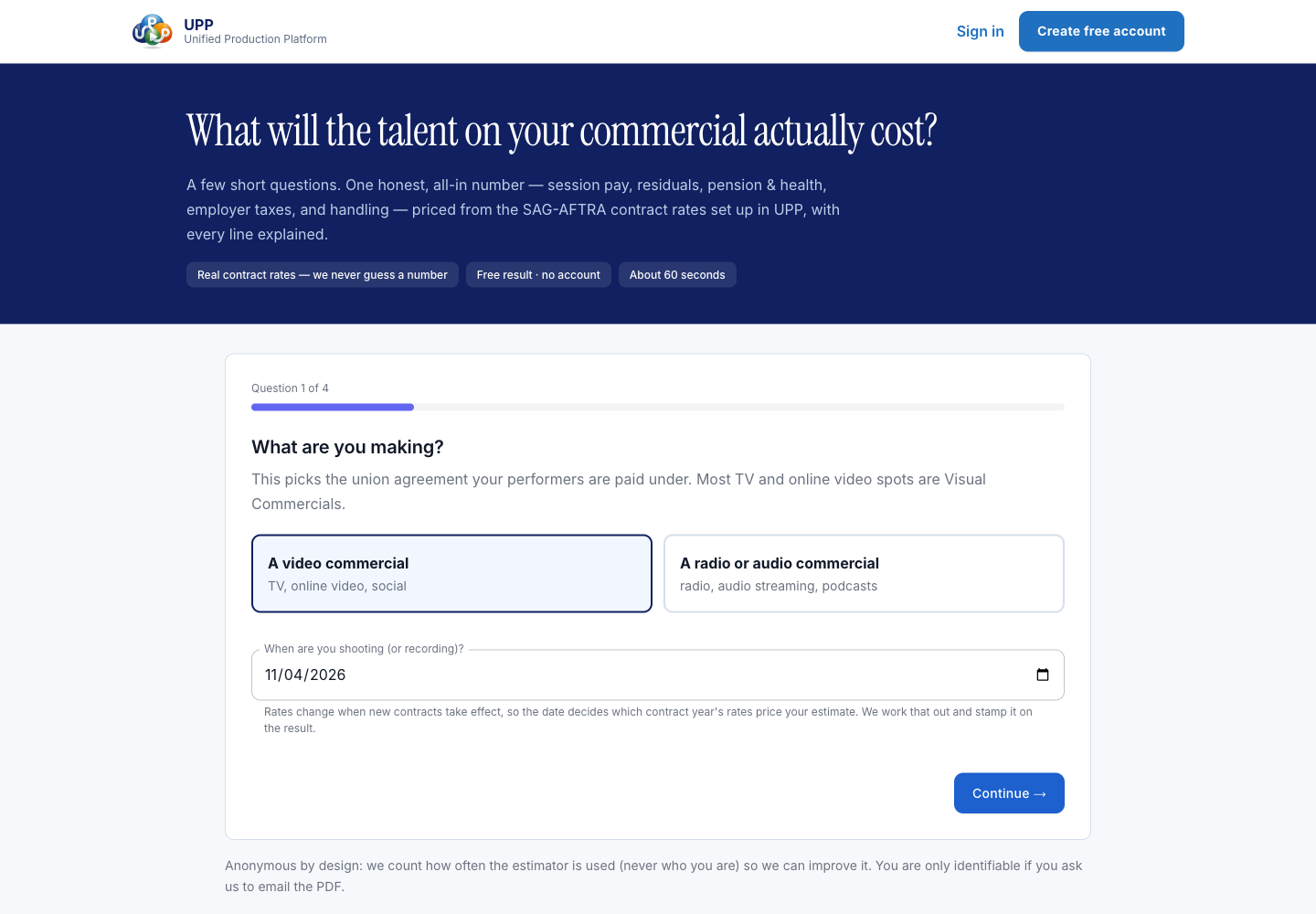
Inside UPP
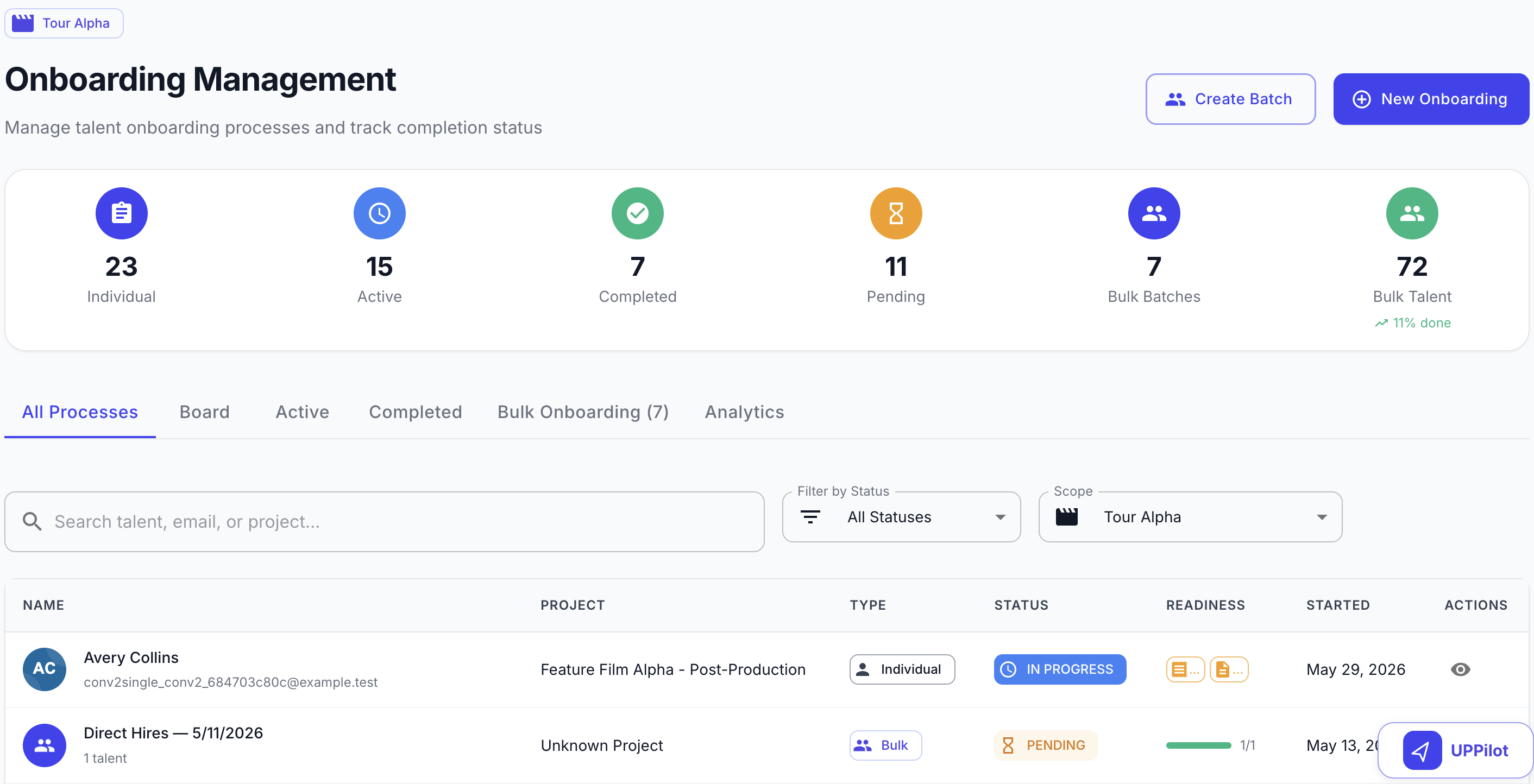
Explore the shared onboarding and production views used to review worker progress and keep track of the work.
UPP’s onboarding management view shows individual and batch progress with status filters. This shared worker workflow helps your team review submitted startwork and the items that still need attention.
Operational sequence
Follow the estimate, agreement, recorded work and use obligations through the steps your team reviews.
AdSpot is the commercial record for the job, parties, rights, and intended use. Estimates and offers reference this record so the agreed terms stay together.
Build session estimates against the commercial’s terms, then review the proposed work and costs before preparing talent offers.
Connect talent offers to the performer’s role, representative, session, and commercial so the team can review the proposed engagement.
Track onboarding completion and outstanding items for the engagement. The responsible team reviews readiness before the session.
Use session reports to record performed work, then review the approved details that payroll and business affairs need.
Review approved session work and engagement terms for commercial payroll, with outstanding questions visible to the payroll team.
Review residual estimates, processing, trafficking, and market use against the commercial’s agreed terms.
The right operational view
Business affairs
Follow agreed terms, talent, residual obligations, and usage from the commercial record.
Talent
Review the offer, complete onboarding, and follow the engagement through session work and payment activity.
Payroll
Review session reports, engagement terms, and unresolved items before commercial payroll proceeds.
Finance
Review commercial payroll and residual activity alongside the terms and usage that created the obligation.
Plan your next step
Start with your workflow. Use the walkthrough to confirm the setup, responsibilities and tools your team needs.
Accepted talent offers can create or reuse a contract for preparation. Session reports record the work and link to commercial payroll entries. Teams review the inputs and calculations before approving the next step.
Market-use records can initiate related residual processing. Review, payroll and payment remain distinct steps; recording a use is not confirmation that a payment has been made.
Yes. The public SAG-AFTRA commercial calculator provides estimates without an account. Its output is an estimate, not a payroll quote. Use your agreement, performer and use details to explore the available calculation options.
Bring a sample commercial workflow, your agreement and performer types, how you record sessions, and how you track use. We can review the relevant UPP screens and discuss your configuration and implementation needs.
Connected capabilities
A production-sized walkthrough
Bring a commercial workflow to the demo. We’ll walk through estimates, offers, session review, payroll, and usage with your team.