Executive
Review the operating picture by scope
Follow project health, trends, material exceptions, and closeout across the organizations and work they are authorized to see.
Analytics & UPPilot
Explore production and finance reports. Ask UPPilot, UPP’s AI assistant, about UPP records you are permitted to access and review the information behind each answer.
Book a tailored walkthrough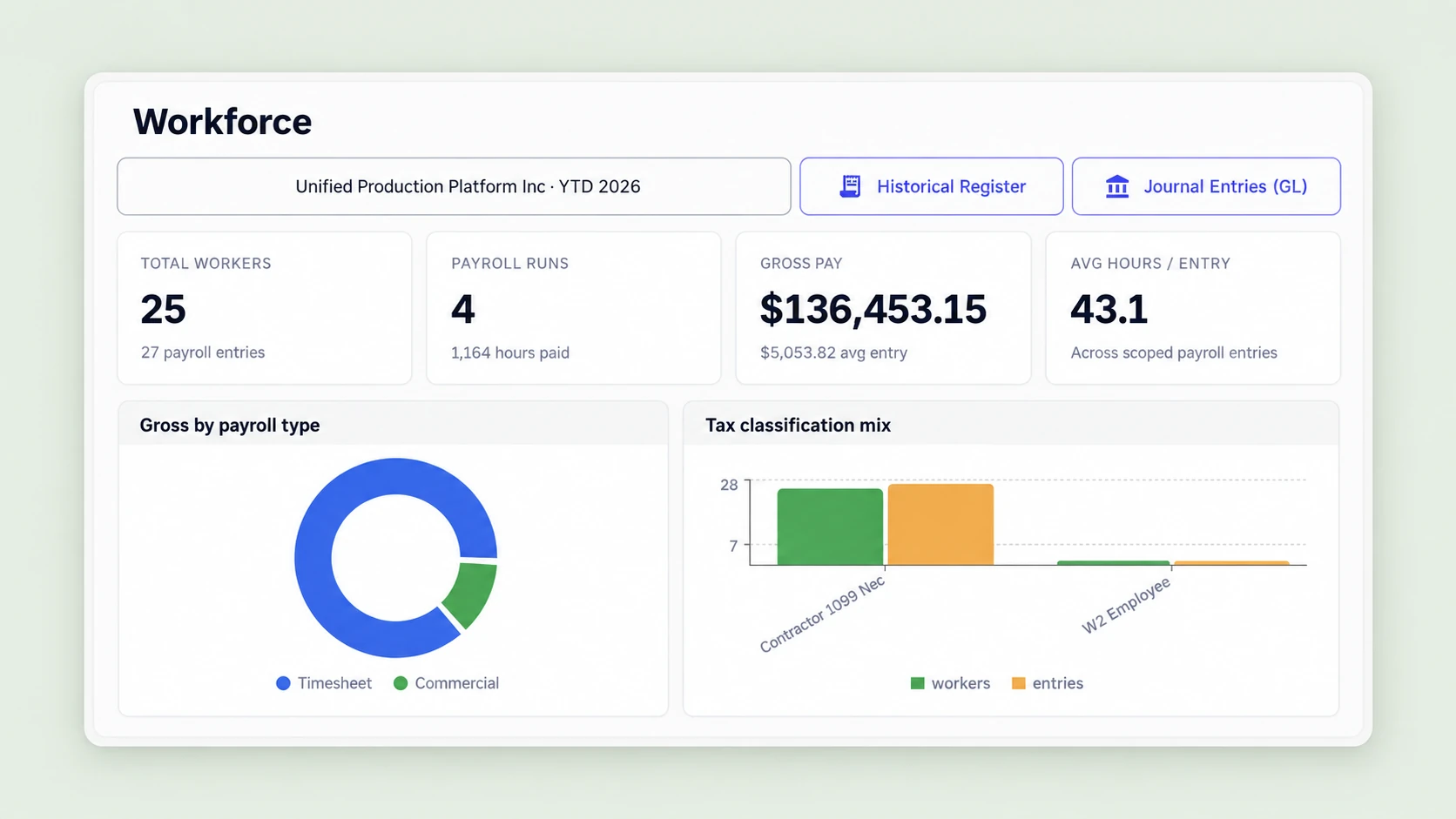
Operational sequence
Each stage carries the production record forward so the next team begins with the context it needs.
Bring authorized project, production, payroll, vendor, client, and commercial reporting context together while preserving role and tenant scope.
Give executives and production teams scoped project-health, trend, exception, and closeout visibility appropriate to their responsibilities.
UPPilot helps authorized users investigate a reporting signal against the underlying payroll, vendor, client, commercial, or production record behind it.
Deliver role-scoped views and reports with human-reviewable evidence for executive, producer, payroll, and finance follow-through.
Authorized teams make decisions and assign exception or closeout work using evidence from the source UPP record.
The right operational view
Executive
Follow project health, trends, material exceptions, and closeout across the organizations and work they are authorized to see.
Producer
Investigate schedule, staffing, approval, vendor, and closeout context behind project-health changes.
Payroll
Move from payroll reporting into the approved work, review, status, and unresolved item responsible teams need to address.
Finance
Review scoped trends, status, exceptions, and reconciliation context across the money operations they govern.
Evidence in context
Connected signals
Connect authorized project-health, production, payroll, vendor, client, and commercial reporting context while preserving role and tenant scope.

Grounded UPPilot investigation
UPPilot helps an authorized user investigate a signal against source records while supporting evidence remains available for human review and decision.

Reporting and action
Authorized teams decide the next action and assign exception or closeout work using evidence from the source UPP record.

Connected capabilities
A production-sized walkthrough
See how UPP can connect scoped production and money records to investigation, reporting, and action.