Producer
Follow the whole production day
See schedule, staffing, open work, approvals, and project-health context without rebuilding status across disconnected tools.
Production operations
Coordinate schedules, call sheets, crew, and creative approvals in one place, from the first production day through closeout.
Book a tailored walkthrough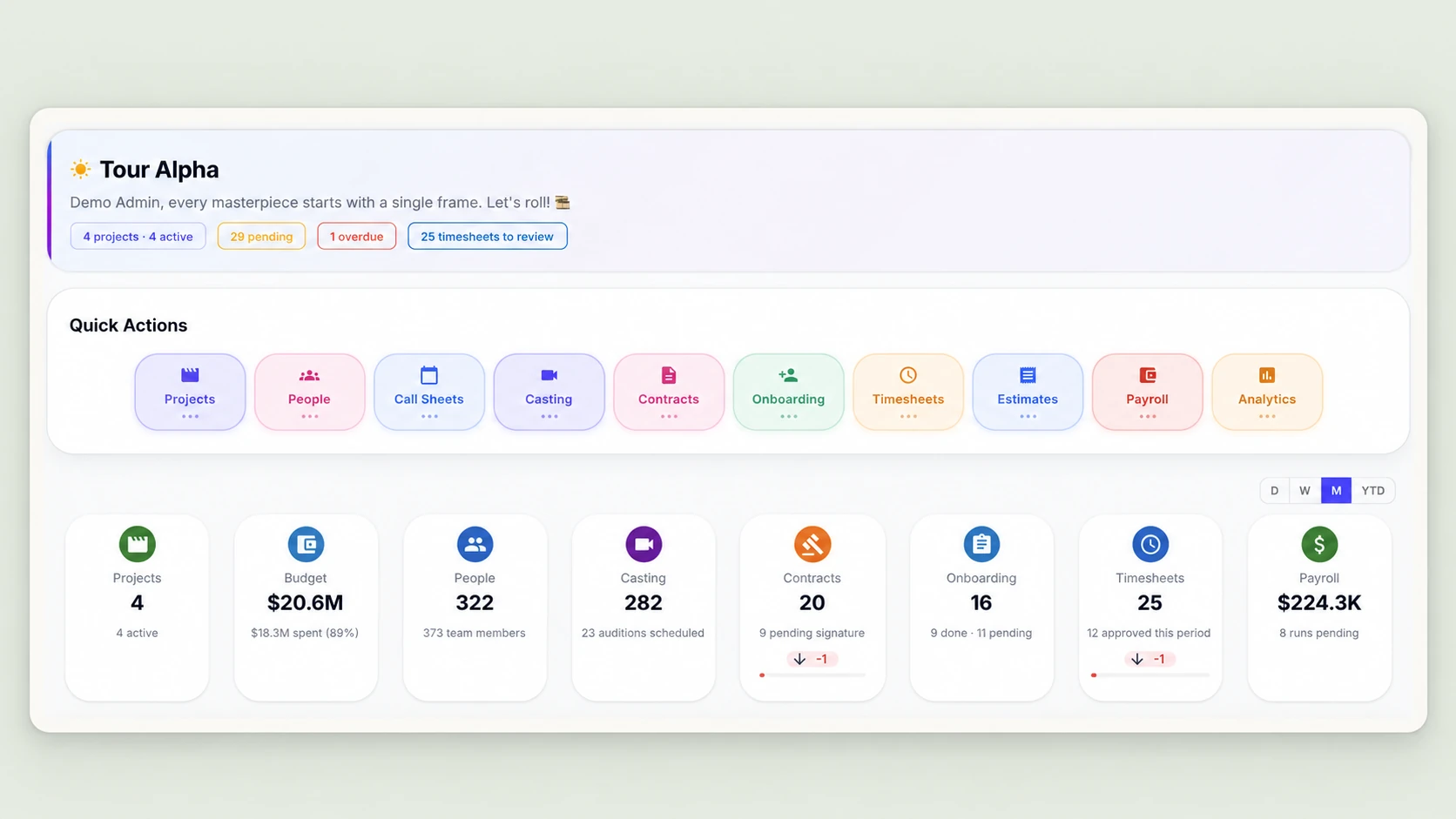
Operational sequence
Each stage carries the production record forward so the next team begins with the context it needs.
Establish the project, production structure, people, responsibilities, working documents, and approval context the team will follow.
Coordinate schedules, locations, people, and dependencies while recording changes against the project.
Build and distribute call-sheet context so crew and responsible teams can follow the current plan.
Keep crew context, timesheets, tasks, schedule changes, and operational follow-through tied to the day and project.
Connect creative review, deliverables, comments, and approvals to the people and production context responsible for the decision.
Review project health, outstanding tasks, approved time, deliverables, and downstream obligations before the production record closes.
The right operational view
Producer
See schedule, staffing, open work, approvals, and project-health context without rebuilding status across disconnected tools.
Production team
Keep calls, schedules, tasks, documents, changes, and responsible people aligned around the project.
Crew
Follow the current call and task context, then return time and required work to the production where it occurred.
Post
Carry creative assets, feedback, versions, approvals, and deliverables into production closeout.
Evidence in context
Schedule and call
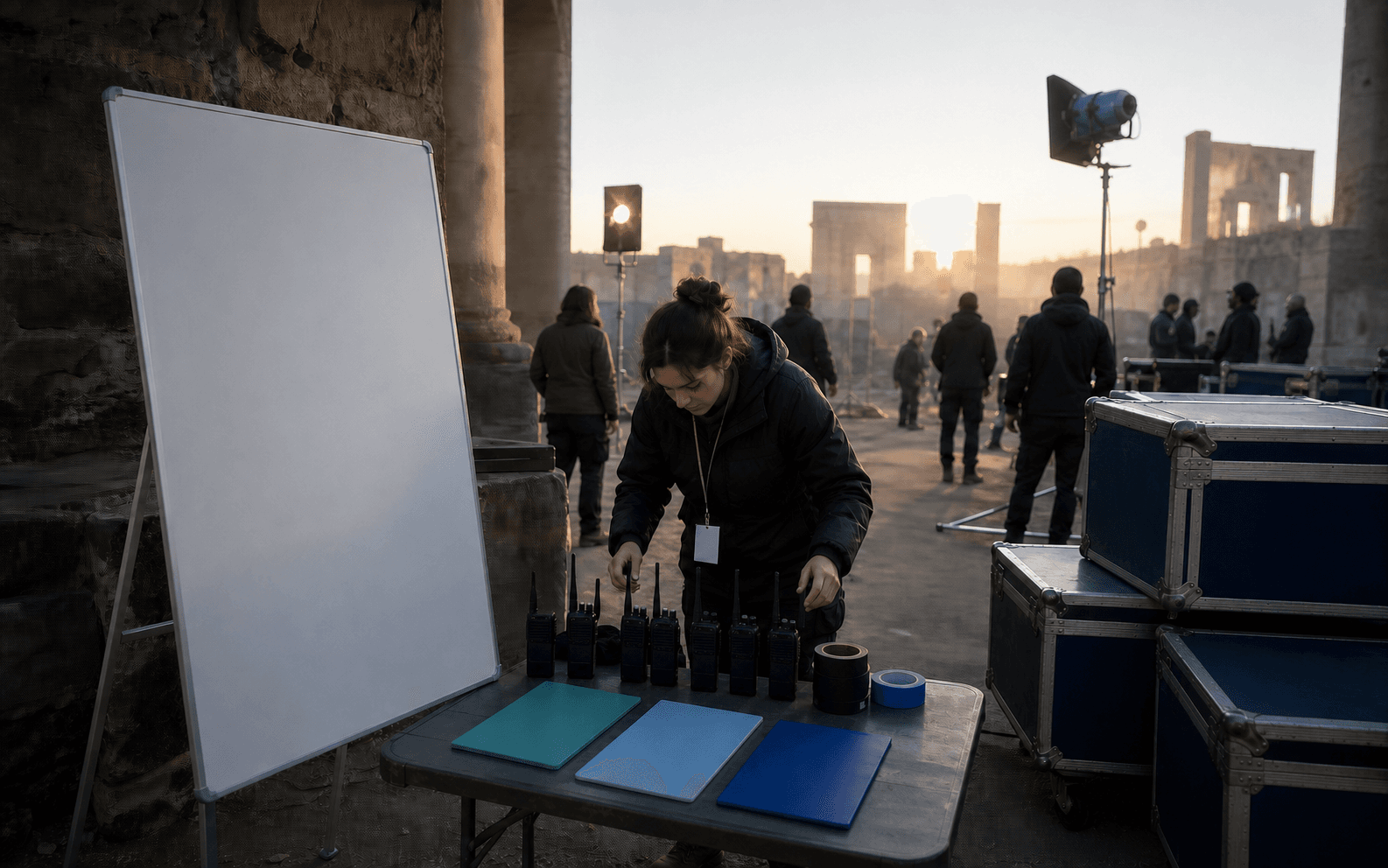
Keep projects, schedules, locations, people, call-sheet context, and changing responsibilities aligned around the working plan.
Tracked work
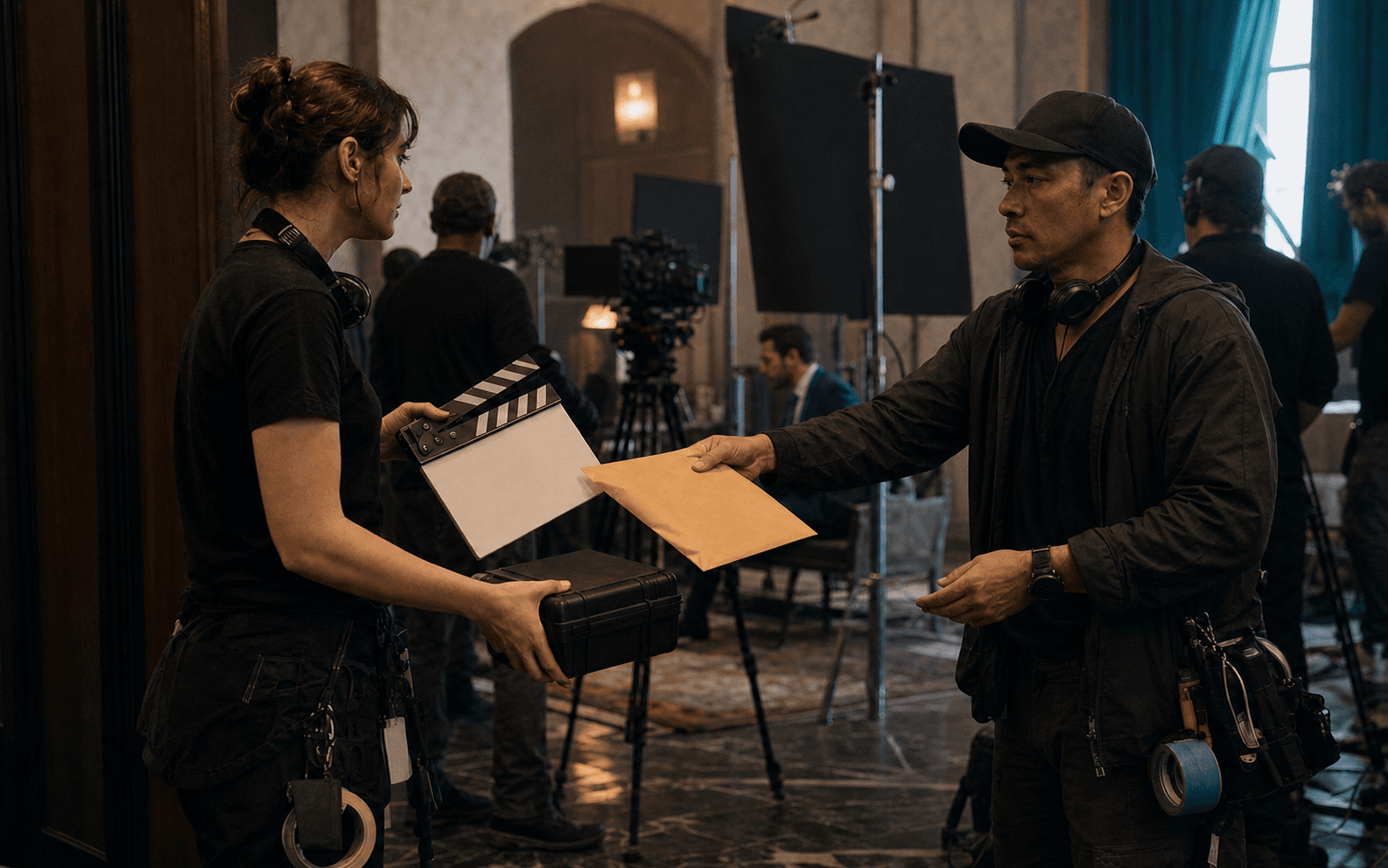
Connect crew, tasks, schedule changes, timesheets, approvals, and operational follow-through to the responsible people and production context.
Creative closeout
Keep creative assets, versions, comments, approvals, deliverables, project health, and remaining obligations in one record until closeout.

Connected capabilities
A production-sized walkthrough
See how UPP connects projects, schedules, people, work, approvals, and closeout.