UPP 04 / Time and expenses
Mileage and expense log
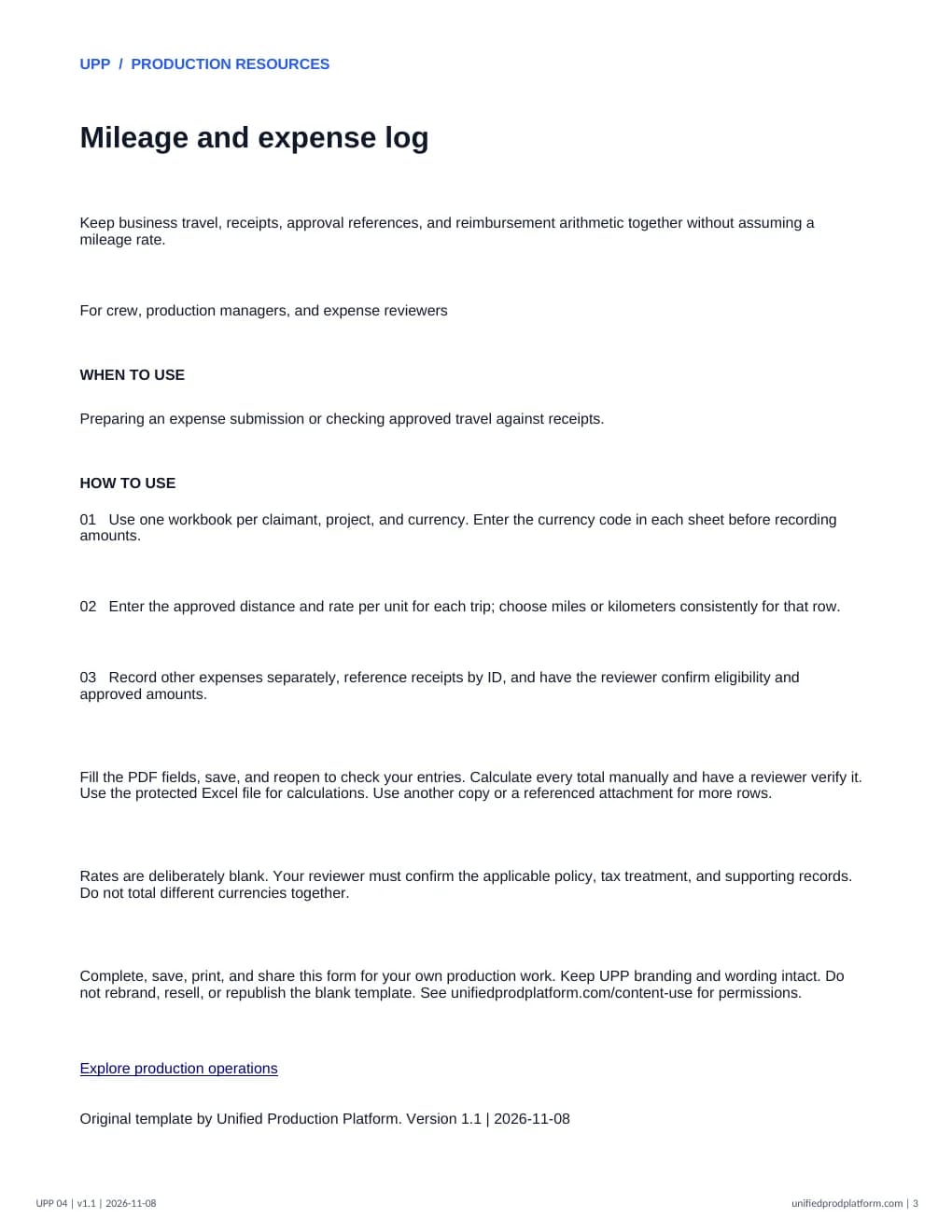
Keep business travel, receipts, approval references, and reimbursement arithmetic together without assuming a mileage rate.
3-page fillable PDF + protected Excel · Version 1.1 · Updated November 8, 2026 · No sign-up
A clear starting point.
- Made for
- Crew, production managers, and expense reviewers
- When to use it
- Preparing an expense submission or checking approved travel against receipts.
What is included
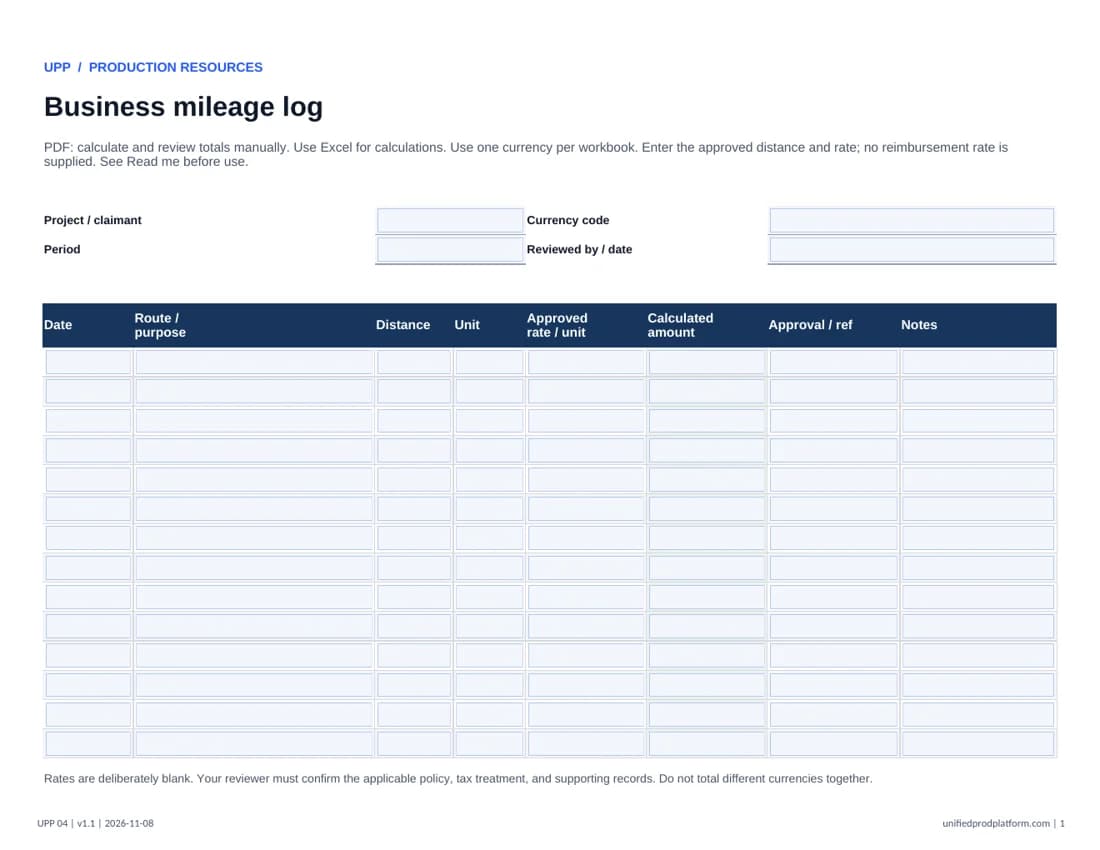
- Mileage reimbursement formulas
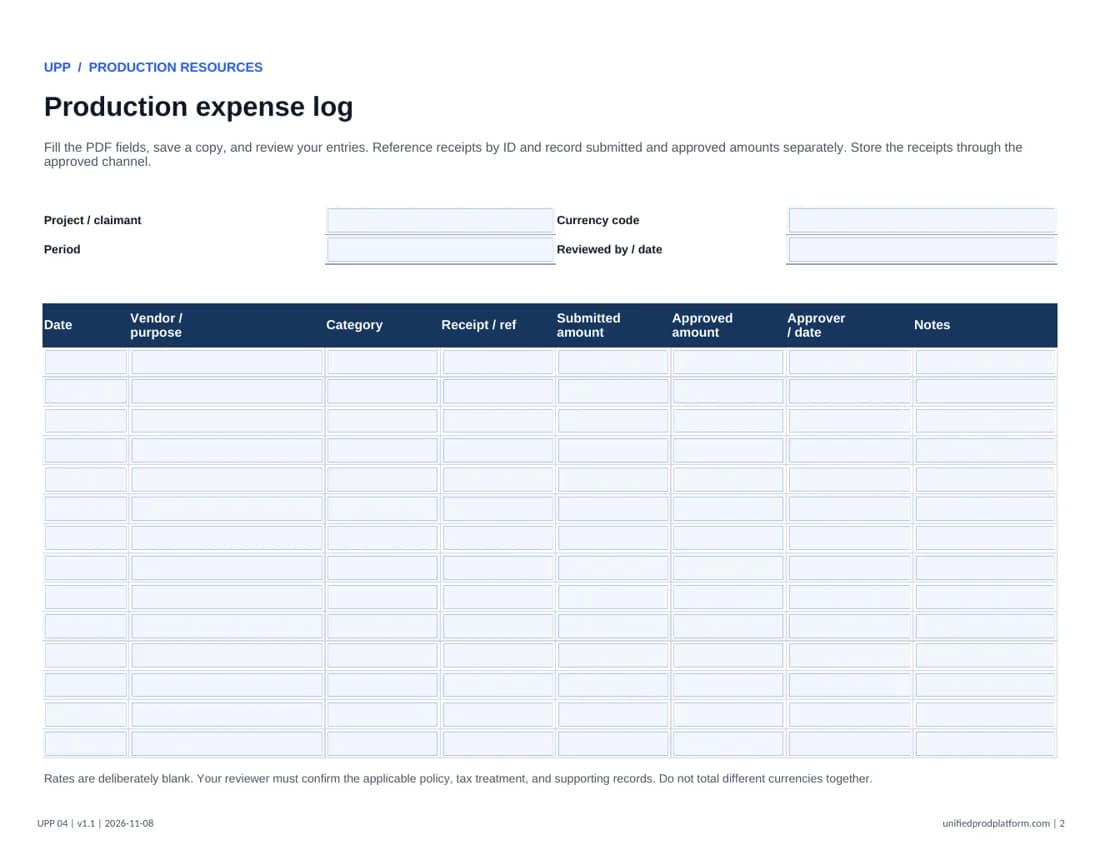
- Separate receipt and expense register
- Currency, unit, and approval references
How to use this template
Fill the PDF fields, save a copy, and reopen it to confirm your entries before printing or sharing. Use a desktop PDF reader if your browser does not save fields correctly. Use a referenced attachment when more space or additional terms are needed. Excel entry cells are unlocked; formulas, labels, and sheet structure are protected. Excel calculates totals; the PDF requires manual calculation and review. Start another copy when all rows are used.
- 01Use one workbook per claimant, project, and currency. Enter the currency code in each sheet before recording amounts.
- 02Enter the approved distance and rate per unit for each trip; choose miles or kilometers consistently for that row.
- 03Record other expenses separately, reference receipts by ID, and have the reviewer confirm eligibility and approved amounts.
Rates are deliberately blank. Your reviewer must confirm the applicable policy, tax treatment, and supporting records. Do not total different currencies together.
Complete and share this original UPP form for your production work. Keep UPP wording and branding intact. Check the requirements for your project before use. Content use permissions.
Explore production operationsPairs well with
Weekly work hours and meal break logInside the template
Open full PDF in a new tab